Short answer
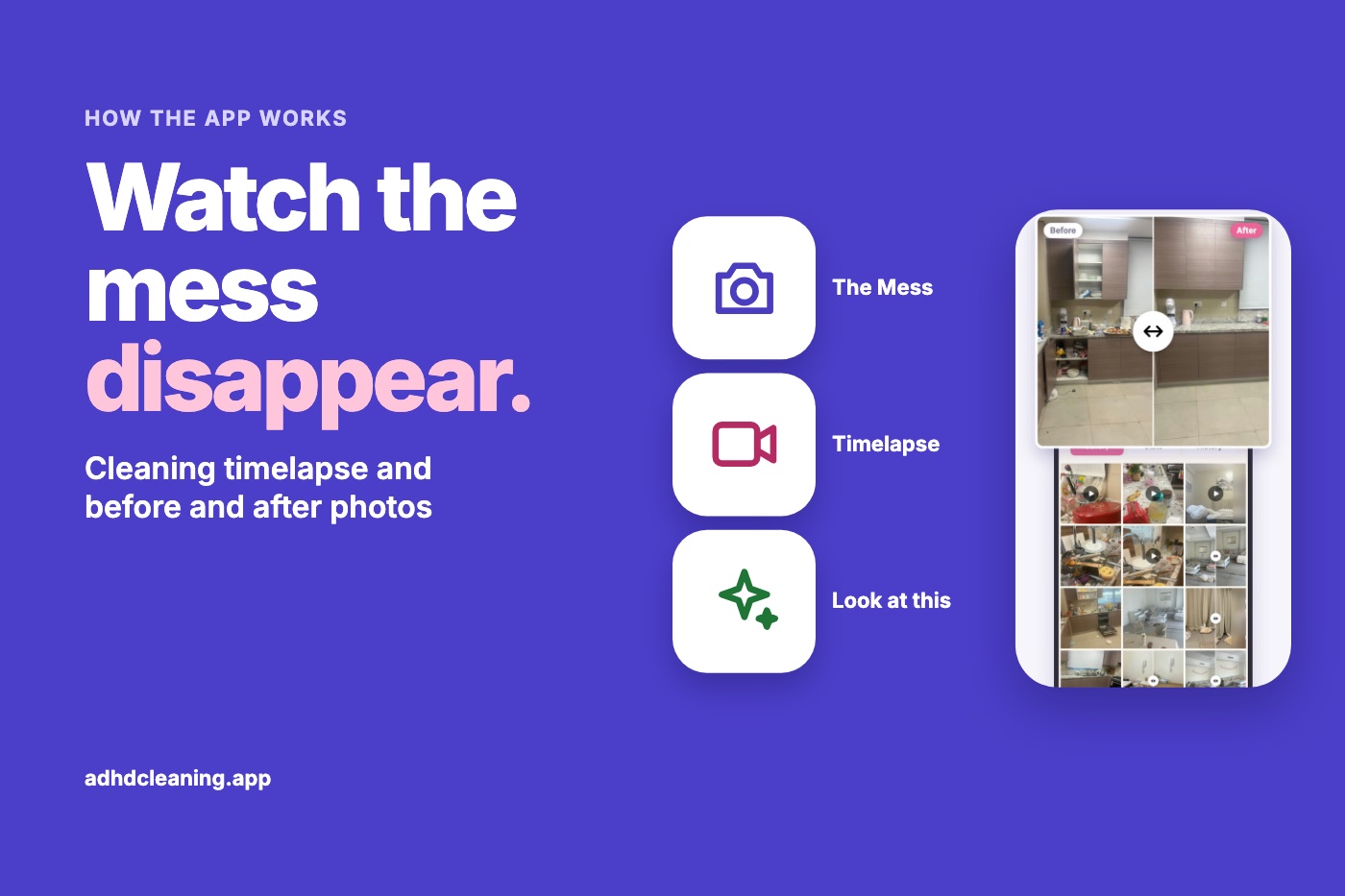
A cleaning timelapse is a video of you cleaning, recorded from one fixed spot and played back fast, so a long session becomes a short clip. With ADHD it gives proof that the work happened. ADHD Cleaning Planner records timelapses and before and after photos inside each room and keeps them in a gallery called My Wins.
On this page
A cleaning timelapse is a video of you cleaning, filmed from one fixed spot and played back fast, so a long session turns into a clip you can watch in moments. To make one, stand your phone where it has a wide view of the room, switch the camera to time-lapse, start recording before you touch anything and stop when you are done. Before and after cleaning photos do the same job in two pictures: one of the mess, one of the result, taken from the same place. Neither needs special equipment, and neither needs to be posted anywhere. Their real value is for you.
Why a cleaning timelapse helps with ADHD
Many people with ADHD finish an hour of cleaning and feel as if they did almost nothing. The brain remembers the effort and the parts still undone, not the twenty small things that changed. A timelapse settles that argument. You watch the room change in front of you, and it is very hard to tell yourself nothing happened while the floor clears on screen.
It helps before and during the cleaning too:
- A clear start. Pressing record is a small, definite first action. It is easier than "clean the kitchen", which is the kind of vague job that makes starting so hard with ADHD.
- A witness. A camera that is running works a little like someone in the room. Wandering off to check your phone feels more obvious when the recording is going. That is the same idea as body doubling while you clean, without needing another person.
- A clear end. You stop the recording when the room is done, and the clip becomes the finish line.
- Something to look back on. On a bad week, an old timelapse is proof that you can do this, made by you.
Before and after photos are the quieter version. They do not show the work, only the difference, but they are quick to take and easy to compare later. Many people use both: a timelapse for the session, and a pair of photos for the result.
How to film a cleaning timelapse with your phone
The camera app on most phones already has a time-lapse mode. What makes the difference is the setup:
- Fix the phone. Lean it against a wall, a shelf or a stack of books, or use a small tripod. A phone that slides halfway through spoils the clip.
- Go wide. Choose a corner or a doorway that shows most of the room. A timelapse of one shelf is less satisfying than one of the whole space.
- Check storage and battery first. A long session is a long recording, and running out of space at the end is frustrating.
- Start before you touch anything. The first seconds of mess are what make the end look good.
- Keep it to one room. If you move between rooms, start a new recording in each one.
Before and after house cleaning photos that show the difference
Take both photos from exactly the same spot, at the same height and angle, ideally at the same time of day so the light matches. Pick the spot before you start: standing in the doorway is easy to remember. And take the before photo even when you would rather not. Nobody else has to see it, and without it the after photo has nothing to be compared with.
How ADHD Cleaning Planner records a cleaning timelapse
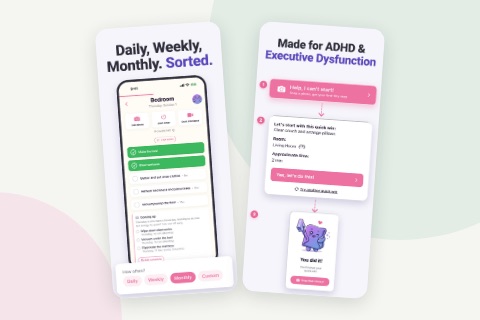
ADHD Cleaning Planner is a cleaning app for iPhone and Android that needs no account. Its main job is telling you which room and which small tasks to do today; we have a tour of the whole app. Timelapses and before and after photos are built into each room, so you do not need a separate camera app. The screenshots are from the iPhone version.
1. Start a timelapse in the room
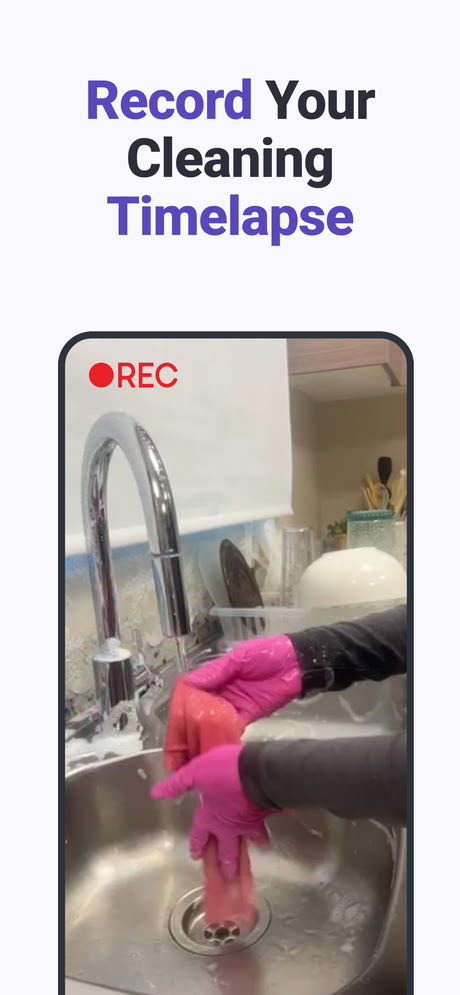
Open a room and tap Start timelapse. The app explains why in one line: recording yourself while cleaning can be motivating, and it is satisfying to look back later. You choose Back camera to film the room, or Front camera to film yourself with the screen where you can read it.
The instructions are the same as above: position your phone with a good view of the room, preferably secured against a wall or on a tripod. The timelapse is recorded in portrait. A small preview appears so you can check that everything is in frame, and you can drag it out of the way. When you are done, tap Stop timelapse. If you leave the room screen while recording, the app stops and saves the timelapse for you.
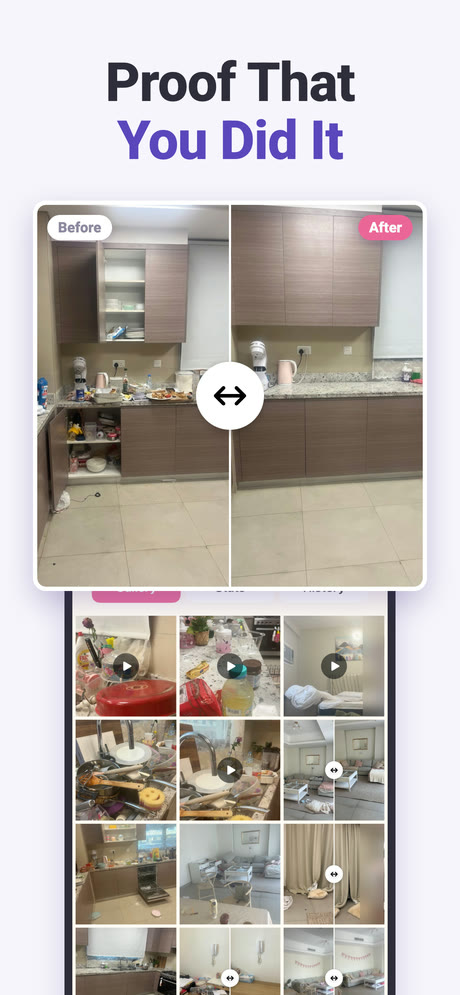
2. Before and after photos from the same spot
Tap Take photo and choose Before or After. For the after photo you can switch on Show before photo overlay: the before photo appears through the camera, so you can line up the same spot. That solves the hardest part of a good before and after photo without any marks on the floor.
The two photos then become a pair. Compare before & after opens a slider you drag across the picture, and the app shows how long it took from before to after. Share before & after lets you share the pair, and you can save photos and timelapses to your phone's photo library.
3. Everything lands in My Wins
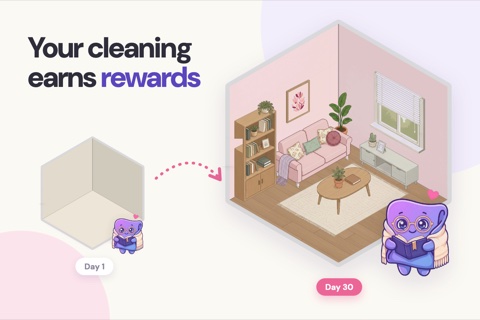
Timelapses and photos are kept in My Wins, which has three tabs: Gallery, Stats and History. The gallery is a grid of your timelapses and before and after pairs. Stats counts the photos taken and timelapses recorded, and includes milestones such as Photographer (your first before and after), Time-bender (your first timelapse) and Filmmaker (10 timelapses). Recording a timelapse or taking a before and after photo can also be one of the goals that unlock rewards in the app.
Timelapses and before and after photos use credits. You start with 8 free ones, each timelapse or before and after photo uses one, and after that they need Premium. Ticking off tasks, following the plan and the timer stay free.
What it does not do
It is not a video editor. The timelapse is recorded in portrait, from one camera, and the app keeps it as it is. If you want to edit clips for social media, you will still save the timelapse to your photo library and edit it elsewhere.
Your photos and timelapses stay on your phone. The app has import and export, but the export file holds your rooms, tasks and cleaning history, not the photos or timelapses. On iPhone they can be backed up through iCloud, and you can always save a copy to your photo library yourself. A recording also needs free storage: if your phone is almost full, saving can fail.
And it is a newer app. Today its App Store listing shows 4.8 from 111 ratings, a good average on a small number next to apps that have been around for years. If you want to compare, we looked at the best cleaning apps for ADHD, ours included.
Start with one room
You do not need an app to try this. Lean your phone against a wall in one room, press record, clean for a while, and watch it back. If seeing the room change helps you start and keeps you going, ADHD Cleaning Planner puts the timelapse, the before and after photos and the list of small tasks in the same place, so the next session begins with one tap.
Frequently asked questions
How do you make a cleaning timelapse?
Stand your phone somewhere it cannot fall, with a wide view of the room, and switch the camera to time-lapse. Start recording before you touch anything and stop when you are done. Check that the phone has enough storage and battery before you begin, because a long session is a long recording.
Why do people with ADHD record cleaning timelapses?
Because it is easy to finish an hour of cleaning convinced nothing changed. A timelapse shows the room changing, which is harder to argue with than a memory. A running camera can also work a little like someone watching, so drifting off feels more obvious.
How do you take good before and after cleaning photos?
Take both from exactly the same spot, at the same height and angle, ideally in the same light. Take the before photo first, even when the mess is embarrassing: nobody else has to see it. The after photo only works if the before photo exists.
Can ADHD Cleaning Planner record a cleaning timelapse?
Yes. Each room has a Start timelapse button. You choose the back or front camera, stand the phone with a view of the room, and tap Stop timelapse when you are done. Timelapses and before and after photos use credits: you start with 8 free ones, and after that they need Premium.